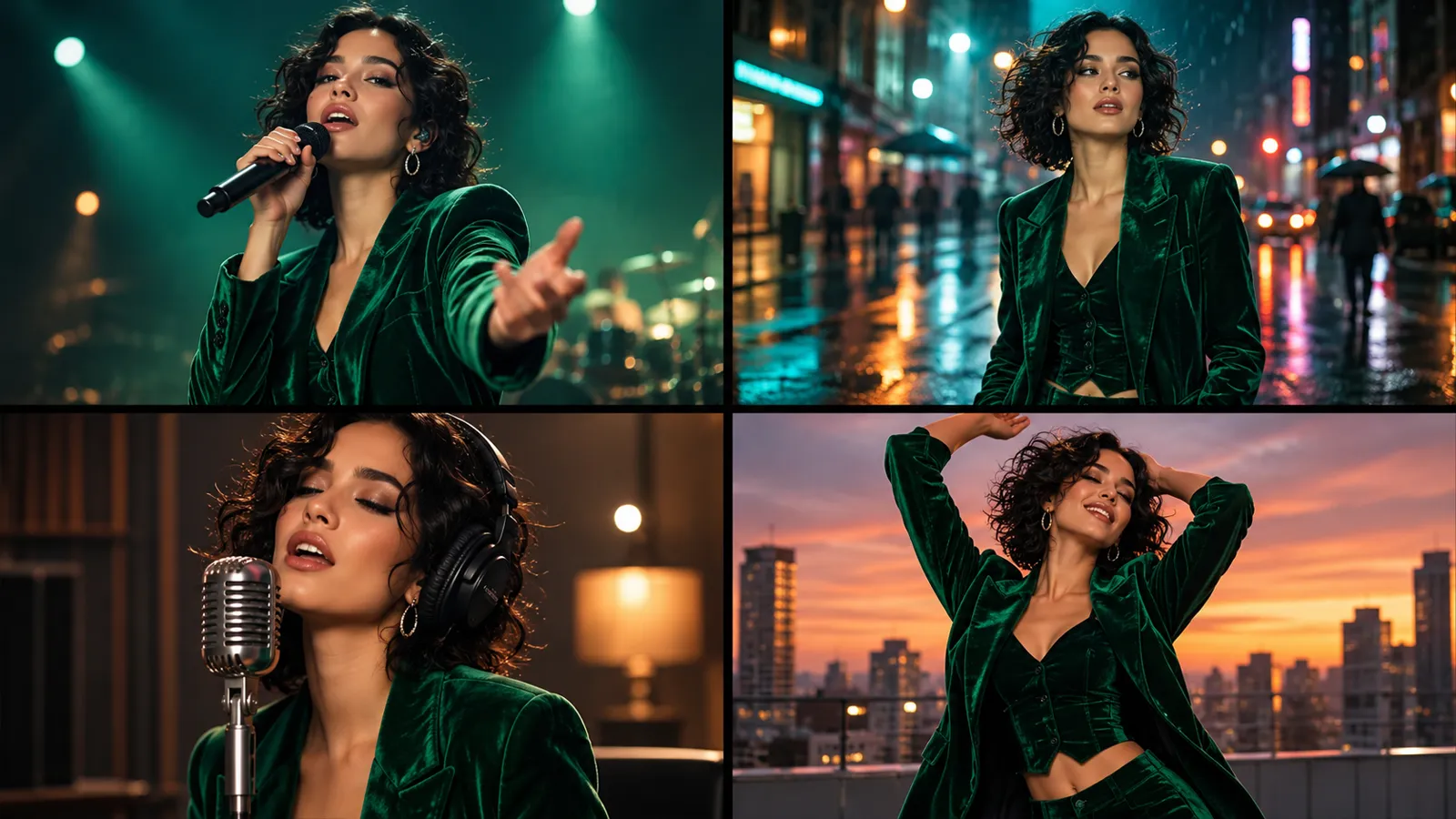
Pick a song you made on Musikalis or upload your own (MP3, WAV, AAC, M4A or OGG, up to 100 MB), choose 30 seconds to 6 minutes of it, and add a photo of the main character. An AI director writes the story shot by shot, draws the character from every side, then films the song in 15-second parts that are joined into one video with your lyrics as subtitles.
A music visualizer animates shapes to the beat. A story music video has real scenes and a lead who looks the same from the first shot to the last. If you still want the visualizer, it is in All tools.
How to make an AI music video
- 1
Choose the song
Pick one of your songs or upload audio, then drag the handles to the part you want: 30 seconds to 6 minutes.
- 2
Add your characters
Upload a photo of the main character, pick one of 20 public characters, or reuse a character you saved. A supporting character is optional; duets work best with both.
- 3
Pick a look, preview, unlock
Use one of 17 templates or describe the story yourself. 10 credits buy the plan, the character sheet, a cover and a 15-second preview; unlock the full song when you like it.
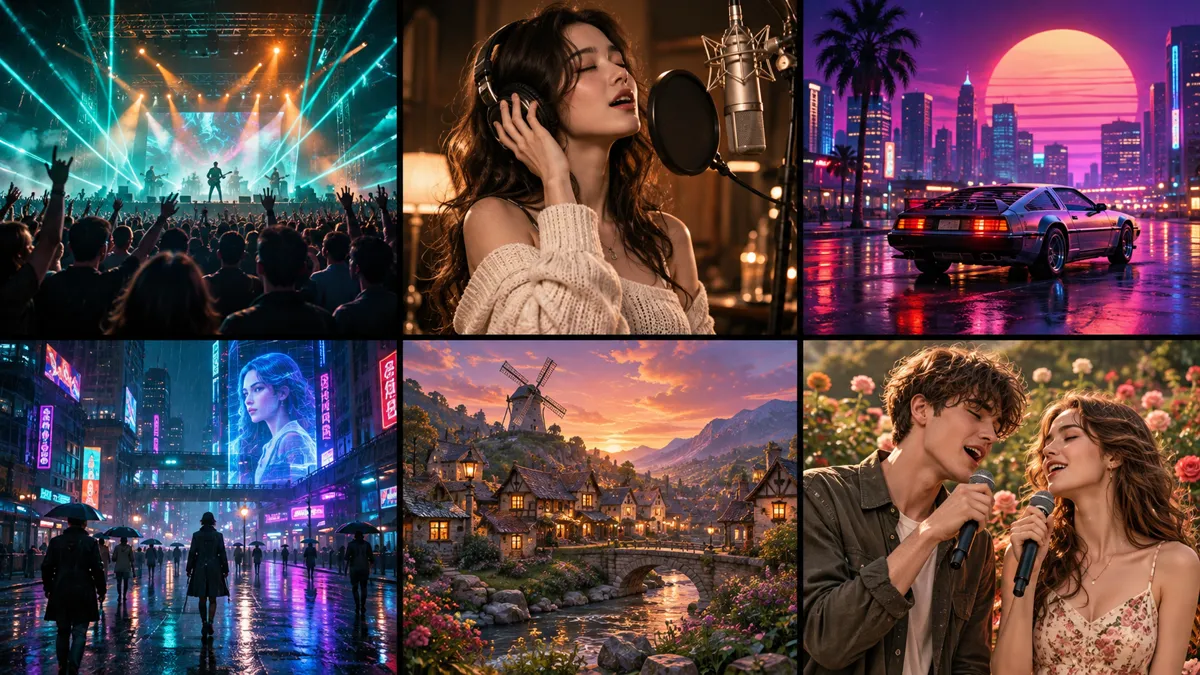
17 templates and four ways to tell the song
A template sets the look and the mood in one click: concert, recording studio, romantic duet, rap, outdoor festival, 80s, cyberpunk, painterly 3D and more. It fills in a detailed direction that you can edit. Then choose how the song is told:
- Sing: the main character performs the whole song, with lip-synced singing shots.
- Sing + Story: performance cut together with a story that follows the lyrics.
- Story: a short film to your music, with no singing on screen.
- Scenery: places and objects that follow the mood, with no people.
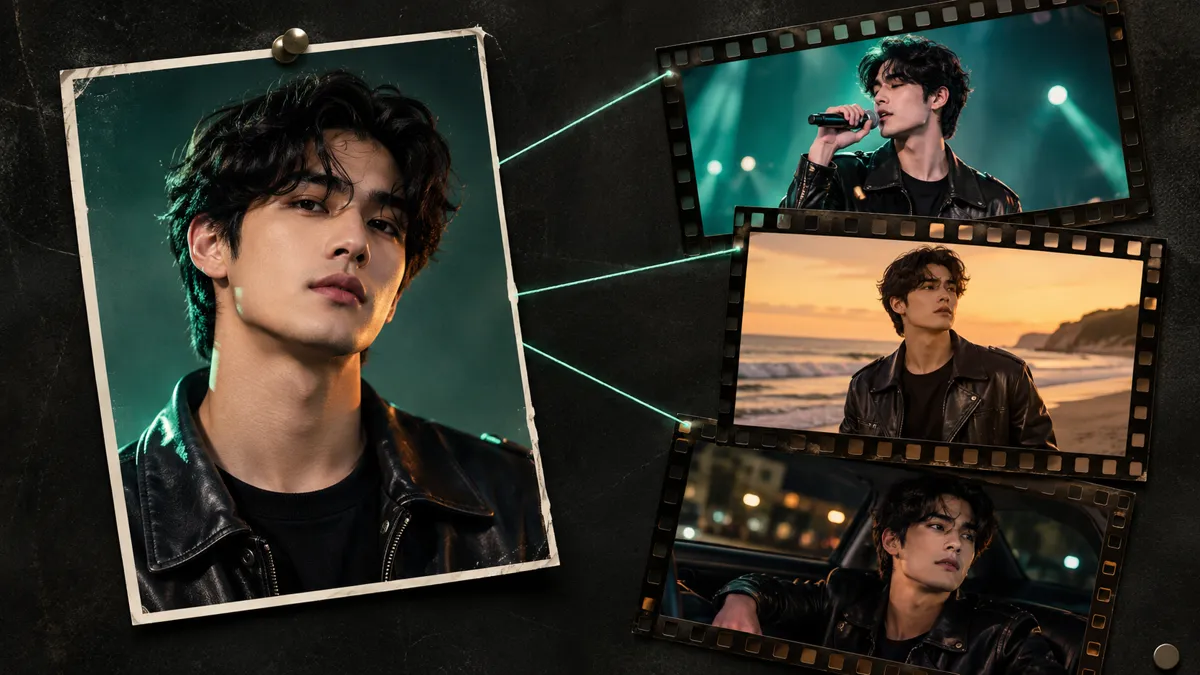
The same character in every shot
Before filming, Musikalis draws a four-view character sheet from your photo: the face, then front, side and back in one outfit. Every scene uses it, so the face, hair and clothes stay steady across a three-minute video.
- Add a second photo for a partner, a friend or a duet singer; they get their own sheet.
- Save a character once (5 credits) and reuse it in later videos with the same look.
- No photo at hand? Pick one of 20 public characters.
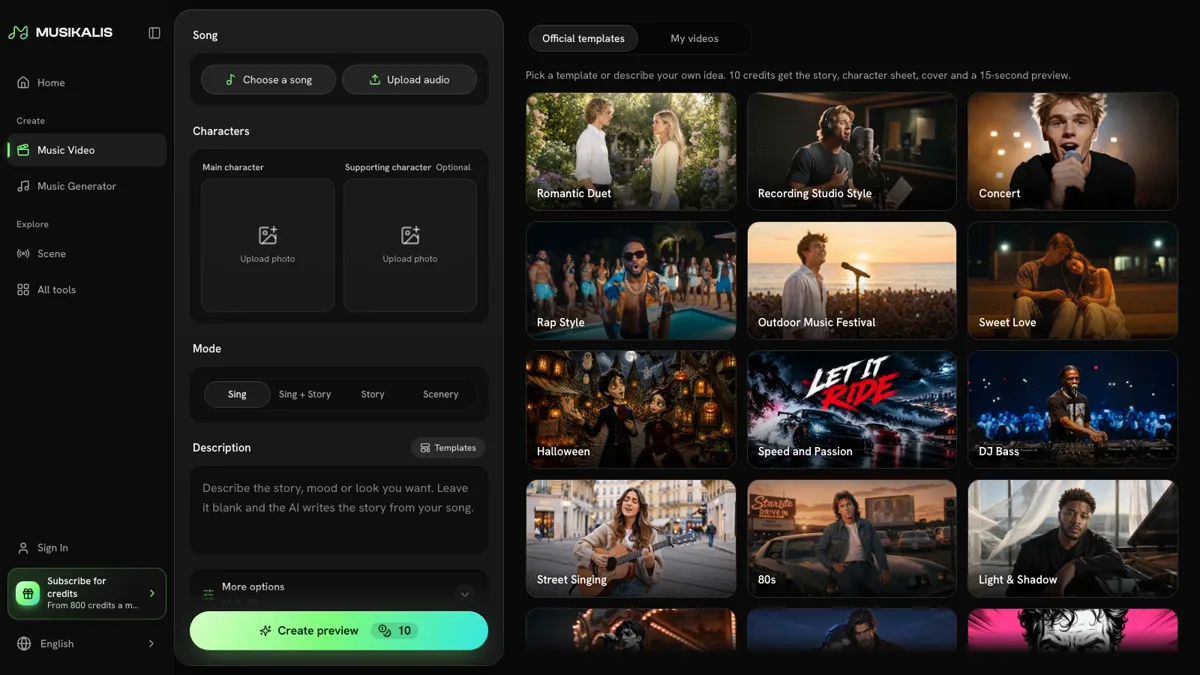
Preview first, then pay for the full song
The 15-second preview comes from the strongest part of your range, usually the chorus, and plays on the song's own timeline, so you see exactly what you would unlock.
- Preview: 10 credits, up to 5 a day.
- Full song: 4 credits a second in 480p or 7 in 768P. A 3-minute song in 480p is 720 credits.
- 16:9 for YouTube, or 9:16 for TikTok, Reels and Shorts; lyrics as subtitles; your title and artist name on screen.
- Parts that fail are tried again; anything that still fails is refunded.
Who it is for
Release day
Give a new single its own video for YouTube and your link in bio in the same week you finish the song.
Short-form clips
Vertical 9:16 videos and 15-second cuts for TikTok, Reels and Shorts.
Duets and gifts
Put two people into a love song, a wedding song or a birthday song, each from their own photo.
Independent artists
Keep one on-screen character across all your songs, without a film crew.