Album Cover Maker
Turn lyrics, genre and mood into artwork for a single or album.
Your images
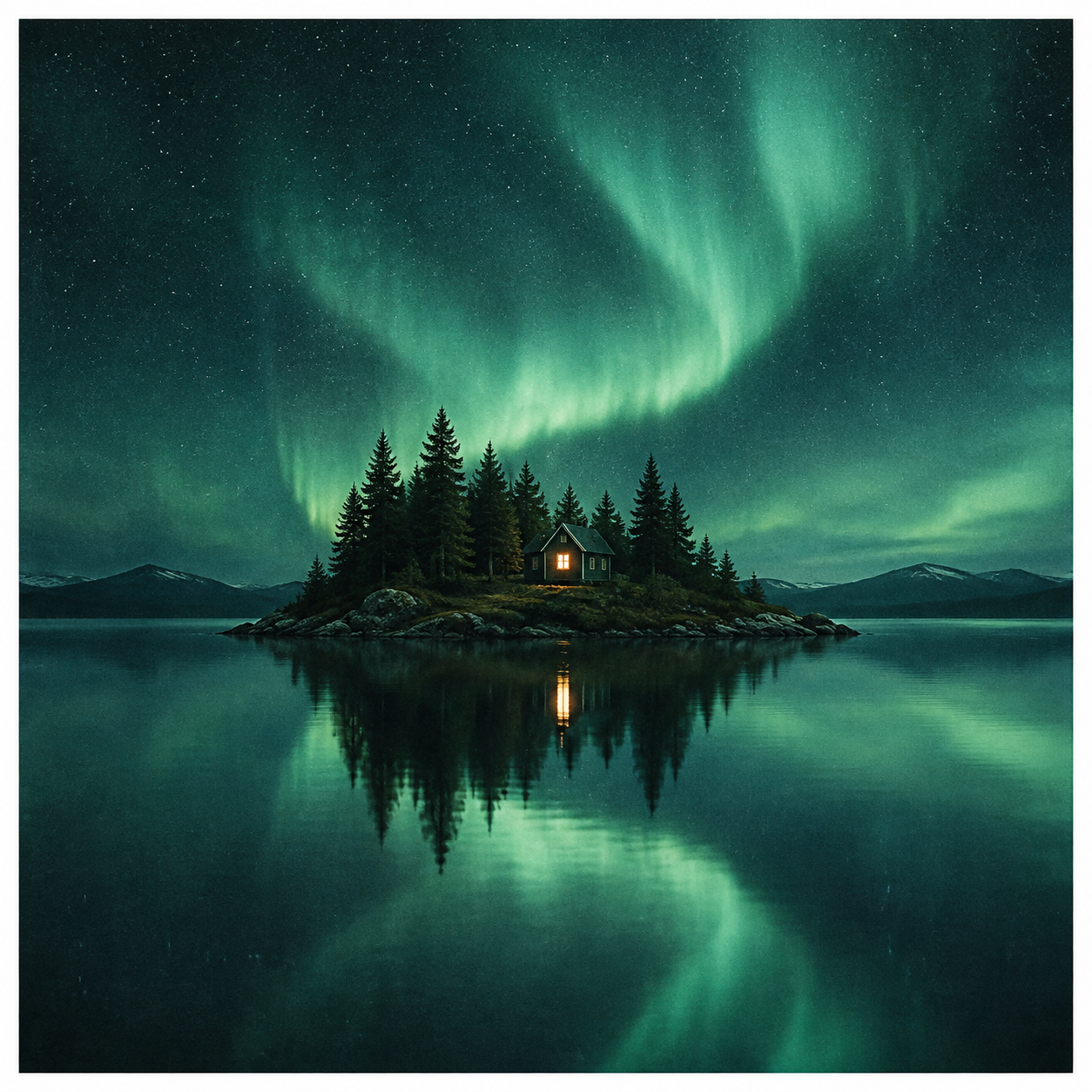
Let the artwork carry the mood
A cover sets an expectation before a listener presses play. Start with the song’s central feeling and one clear subject rather than trying to illustrate every lyric at once.
Design for the thumbnail first
Single artwork often appears as a tiny thumbnail. Establish a strong silhouette and tonal contrast before adding detail. Use a square canvas, keep key elements away from the edge, and check your destination’s current publishing requirements.
Translate lyrics into visual cues
Choosing a song creates an editable description from its genre, original prompt and lyric references. Keep the places, seasons, lighting and emotions that suit the image. Instrumentals can start from genre and the original music description.
From idea to usable artwork
- 01
Choose a single, album or playlist and describe the artwork, or select your own song.
- 02
Set a visual style, references and resolution, then generate one image or four variations.
- 03
Add a title and artist credit, export the image, or apply a linked result as your song cover.
Frequently asked questions
How do I make a cover from an existing song?
Choose My songs, select a track and edit the suggested description. This uses existing lyrics and genre metadata; it does not claim to analyze the audio.
Can I restore my original song cover?
Yes. Results linked to a song include Use as song cover and Restore original cover. Changing the cover does not generate a new image.
How can I keep the title and artist name accurate?
Generate a text-free base, then layer your title and credit with the result’s text editor. Preview and PNG export use the same canvas. Proofread before publishing.
Build the rest of your music visuals
Music Logo Maker
Create a recognizable visual identity for artists, DJs and bands.
Open toolMusic Poster Maker
Create key visuals for releases, concerts and festivals, then add accurate event text.
Open tool